Dell XR Studios (An XR Briefing Center in Singapore)
The room I founded and ran as Dell's XR briefing centre in Singapore: a customer-facing demo floor and live prototyping space, powered by a four-server rack I specced and racked myself. Here it is as a LiDAR scan you can walk, because the room is gone but the work isn't.
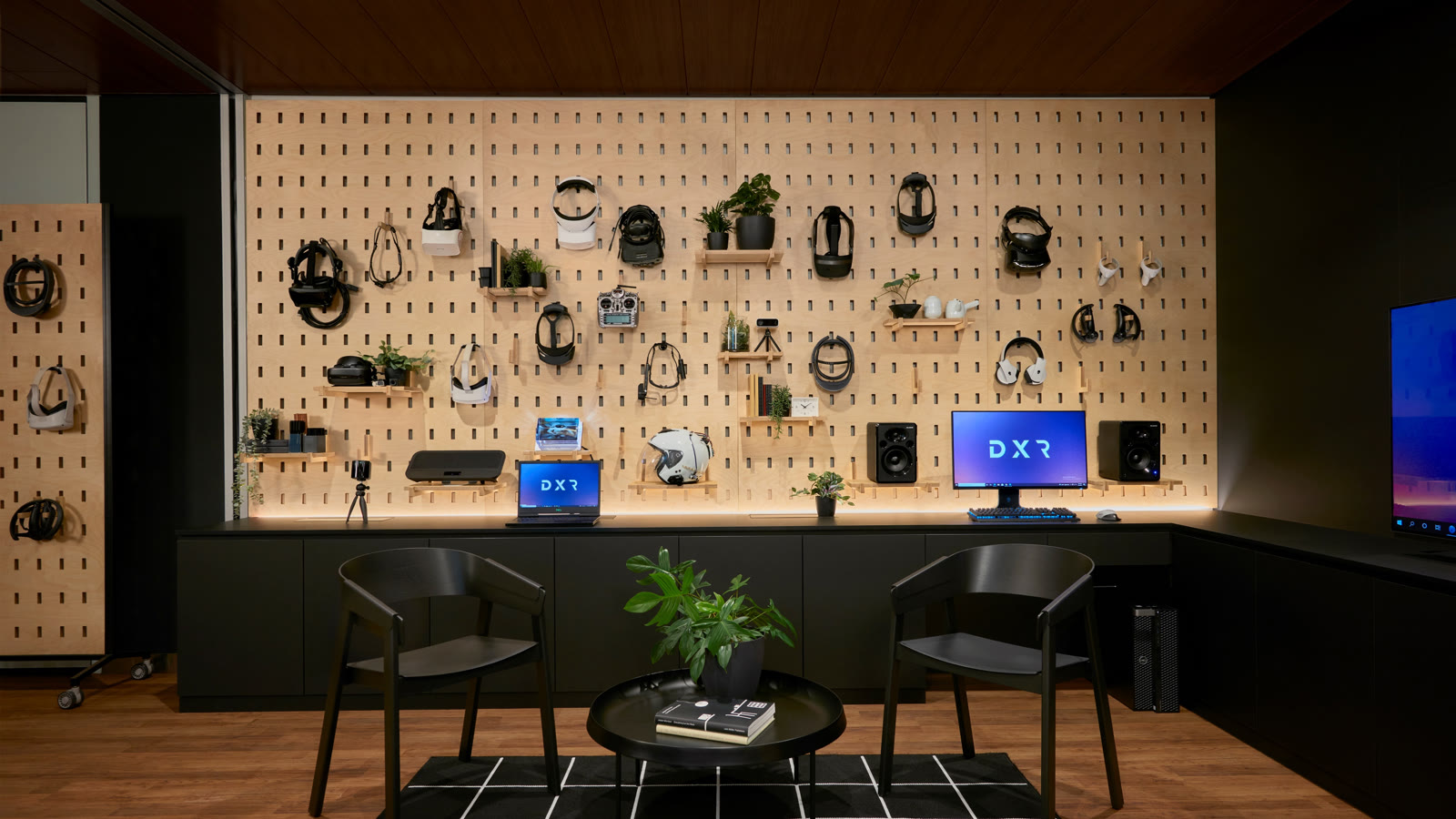
This is a room that doesn’t exist anymore, which is exactly why I scanned it. Dell XR Studios was the extended-reality briefing centre I founded and ran in Singapore, and for a few years it was where Dell’s XR story got told to customers face to face, one demo at a time. The scan above is a LiDAR capture I took with a phone before the room was packed down. Drag it around and you’re standing on the floor as it was, headsets and all.
What it actually was
I built the studio as part of the Experience Innovation Group, EIG, Dell’s applied-research outfit for the ideas that weren’t products yet. The studio was the customer-facing end of that work: a mini EBC. An EBC, in Dell language, is an Executive Briefing Center, the room you bring a customer into when you want them to see where things are going rather than read a slide about it. The big one lives in Round Rock. This was the extended-reality version of that idea, sized for a region and pointed squarely at spatial computing.
Three jobs, really. I hosted customers, which meant reading a room full of executives in the first ninety seconds and deciding which demo would actually land. I kept a roster of demos alive and current, which my team did most of the real work on, because a demo that worked last quarter is a demo that embarrasses you this quarter if nobody has touched it. And it was a live prototyping space, so things got built and broken in front of people on purpose. A briefing centre where nothing ever changes is a museum. The whole point was that the floor was never quite finished.
The demos
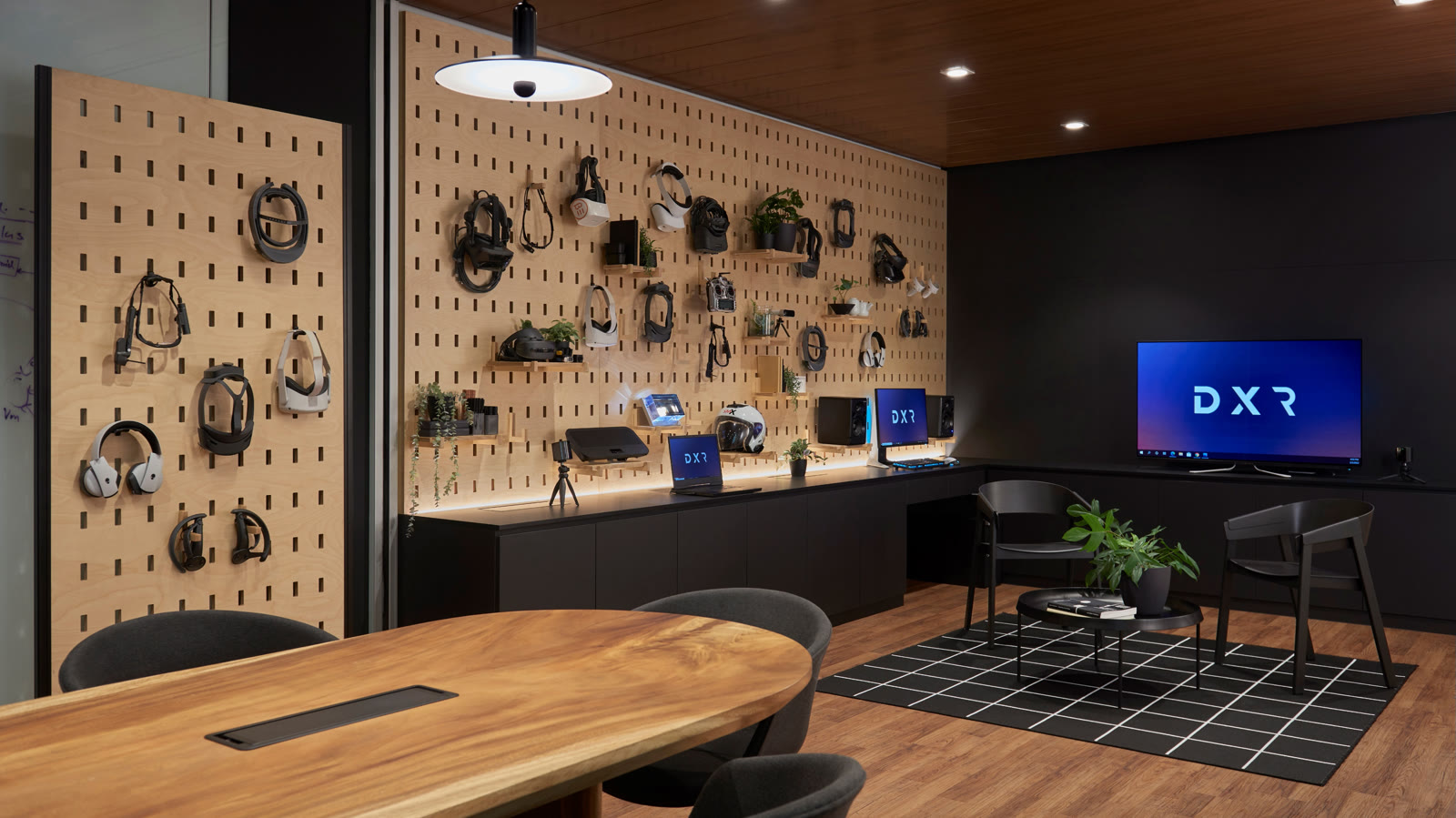
Vehicle-based simulation. Anything you sit inside and operate translates beautifully to a headset, because your body already believes it is in a cockpit and the visuals only have to agree. We leaned into that hard. At one point we hosted a full military flight simulator on the floor, which is a long way from the VR flight cockpit I built out of IKEA parts at home, except somebody else paid for the motion platform. The lesson from both is the same: put a person in a seat with real controls and the immersion does most of your selling for you.
Assisted reality. This is the unglamorous, genuinely useful end of the field, and it is worth defining because the name oversells it. Assisted reality is a hands-free heads-up display for people doing physical work: a small screen and a camera on a headset or safety glasses, so a technician on a factory floor can pull up a checklist, or a remote expert can see exactly what the technician sees and draw on it. No spatial magic, just the right information in your eyeline while your hands stay on the job. We ran RealWear and Vuzix hardware with TeamViewer Frontline as the see-what-I-see layer, and trialled the setup inside Dell’s own manufacturing facilities, which is the honest test: your own factory is a much harsher critic than a trade-show booth.
The glasses-free 3D screen. We ran an autostereoscopic display, which is a screen that shows a genuine 3D image with no headset and no glasses. It tracks where your eyes are and steers a slightly different picture to each one, so depth just appears on the panel in front of you. It is the closest thing to the sci-fi hologram that actually ships, and in a briefing centre it does something a headset can’t: a whole group sees the effect at once, nobody has to strap anything to their face, and the conversation keeps flowing.
CES 2023, and a vision of the workspace
That autostereoscopic screen went to CES 2023, and the press tour ran out of New York rather than Las Vegas. The pitch we made there wasn’t about one gadget. It was a vision of a variety of immersive workspaces of the future, the idea that the flat rectangle you work at now is one option among several, and that some tasks want depth, some want a wall of glanceable context, and some want you standing up and walking around a model. The screen was the tangible piece of a much larger argument.
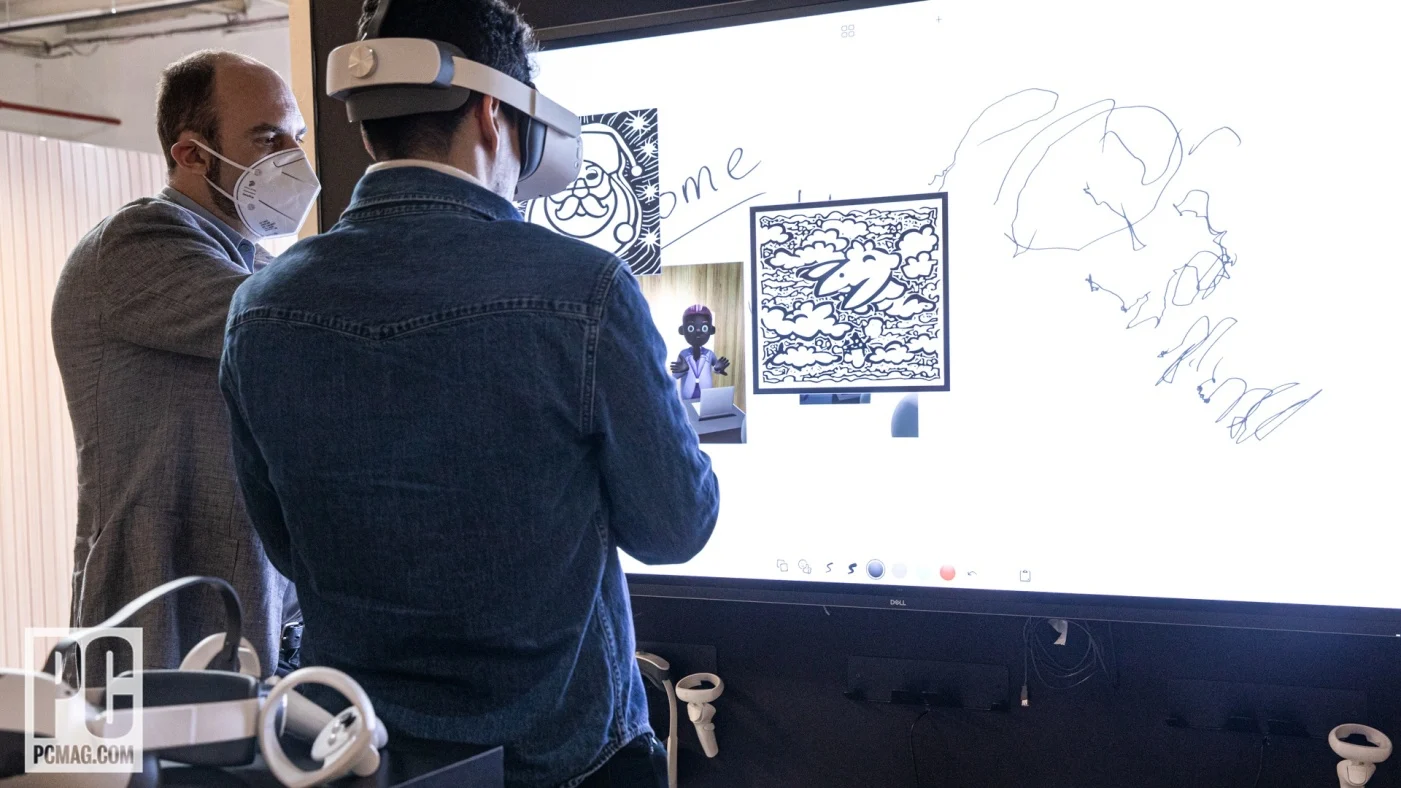 On the CES 2023 press tour in New York. (Photo: PCMag)
PCMag covered the Dell side of that CES as Concept Nyx, an edge-computing concept aimed at around-the-home gaming and, per their own subtitle, how we connect for work. That second half is the thread the studio existed to pull on: once the rendering leaves the device, your workspace stops being defined by the box on your desk and starts being defined by whatever surfaces and screens you happen to be near.
The rack that powered it
None of the interesting demos run on a laptop under the table. Split rendering, telemetry, AI models, all of it needs real compute sitting close by, so I specced and installed a rack for EIG to be the studio’s engine room.
Four Dell PowerEdge R750 rack servers, tied together with vSAN. vSAN, VMware’s software-defined storage, pools the local drives inside those four servers into one shared datastore, so the cluster behaves as if it has a single storage array without anyone buying a separate storage array. That gave the studio a small, self-contained cloud a few metres from the customer.
We put it to work on a few fronts:
- Split rendering with CloudXR. CloudXR is NVIDIA’s technique for rendering a heavy XR scene on a server and streaming just the finished frames to a light headset over the network, so the headset stays cool and cheap while the graphics live on real GPUs. We ran it not only to make demos look good but to instrument them: how much latency can a person tolerate before the illusion breaks, where does the network bite, what does the telemetry actually say versus what the demo feels like. A briefing centre is a rare place where you can gather that data from real people reacting in real time.
- AI workloads. The same rack hosted the models behind the demos, which meant we could try things locally instead of waiting on a data centre somewhere else.
- The Dell AR Assistant. A proof of concept for an augmented-reality assistant, an on-device helper that understands what you’re looking at and answers accordingly. Here it is running:
Why the scan
Briefing centres are temporary by nature. The demos rotate, the region reorganises, the room gets repurposed, and one day the thing you built is a floor plan in a facilities system. The LiDAR scan at the top is what I have left of it, so I keep it here where it can still be walked. If the embed is being stubborn, you can open the full capture on Polycam and spin the room there.
A lot of what I did afterwards, the realtime diffusion demos and the lunar-mission panel at later Dell Technologies Worlds, started as something half-working on this floor first. That was the point of the place.